Rhythm Challenge — a metronome that grades you
Rhythm Challenge is a rhythm trainer app for iOS: a metronome that listens while you play. Tap the screen or play your instrument into the microphone and get an honest, millisecond-precision verdict — early, late, or dead on.
A look inside
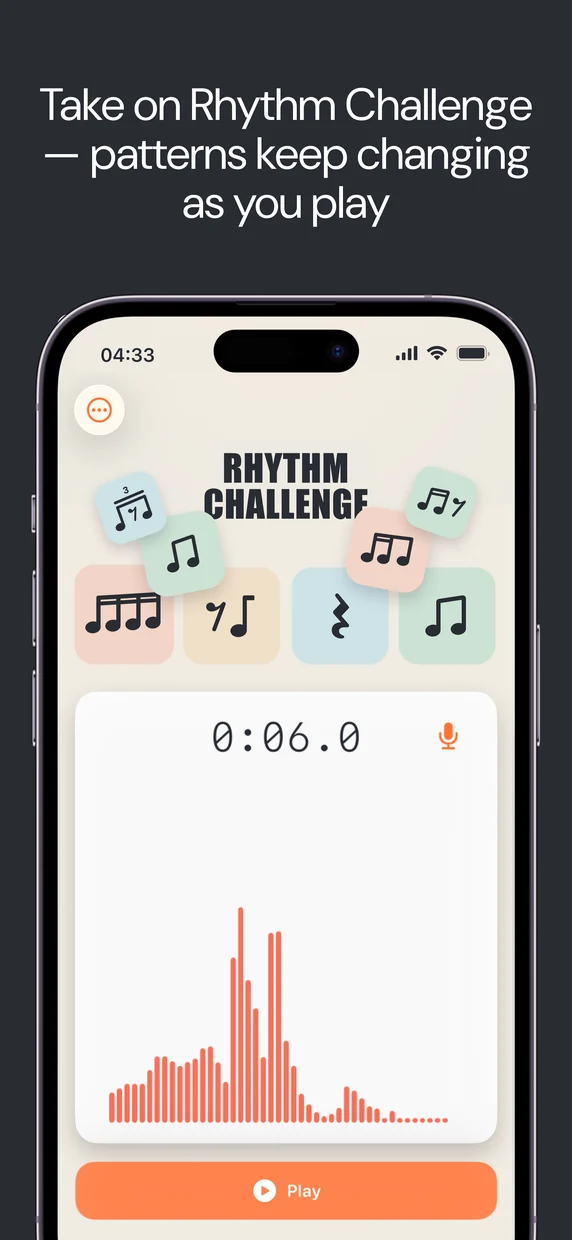
From picking a rhythm to reading your millisecond verdict — actual screens from the app.
How it works
Three steps from opening the app to knowing the truth about your timing.
Pick a rhythm pattern
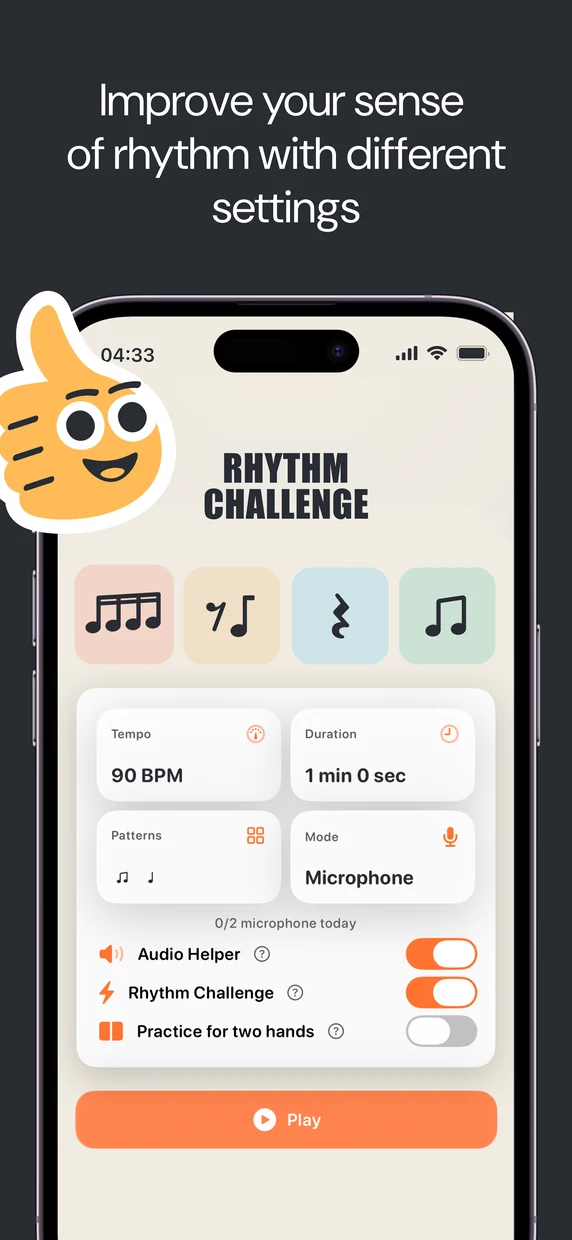
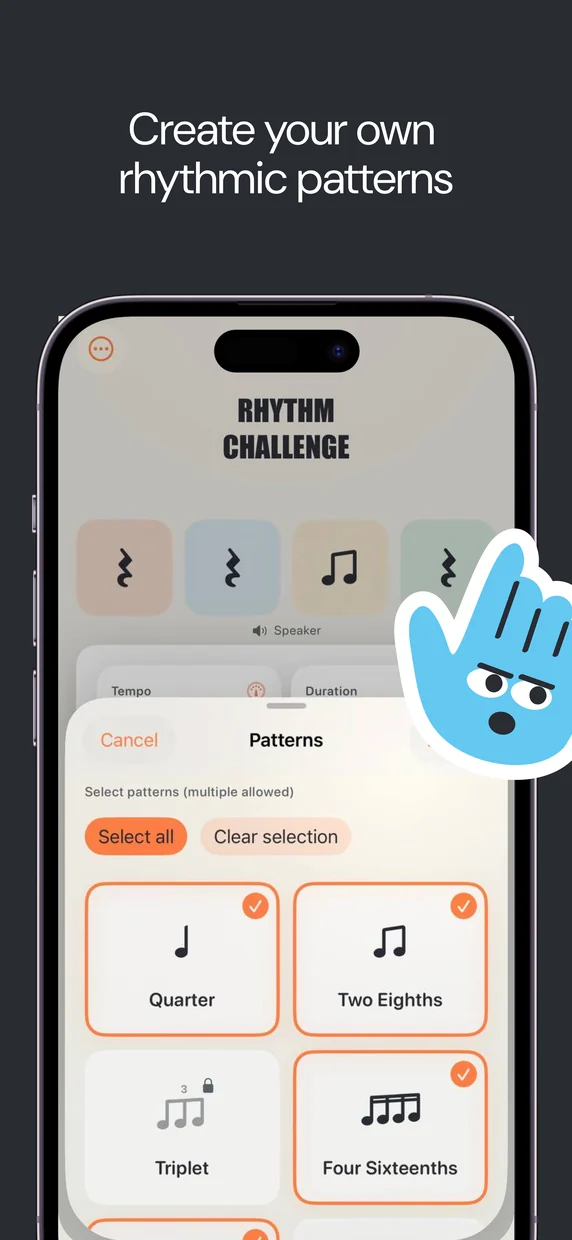
Set the tempo from 40 to 140 BPM and choose your subdivision: quarter notes, eighths, sixteenths, or triplets. Turn on Challenge mode and the pattern changes every bar.
Play along
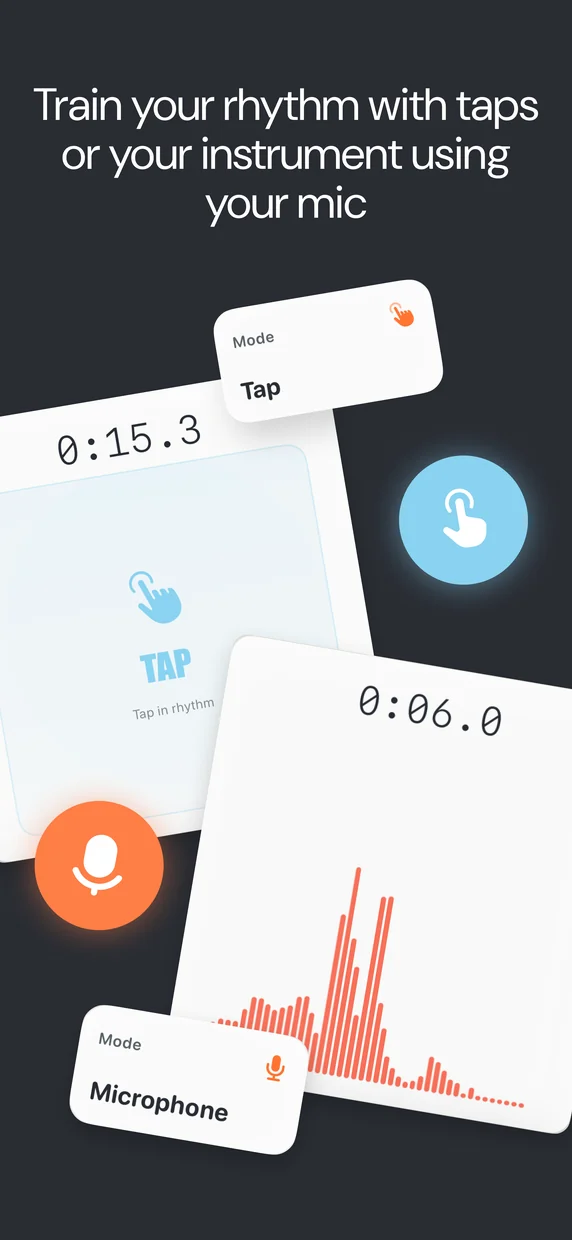
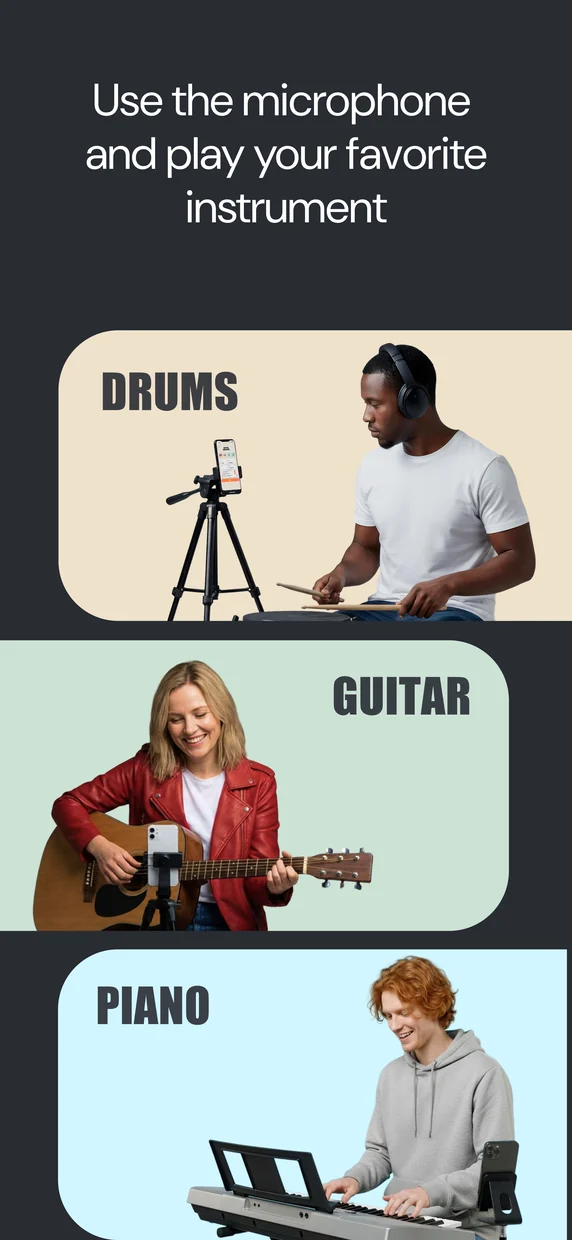
Tap the screen, or play guitar, drums, or any instrument into the microphone. The app detects every hit while the metronome keeps a rock-solid click.
Get your verdict
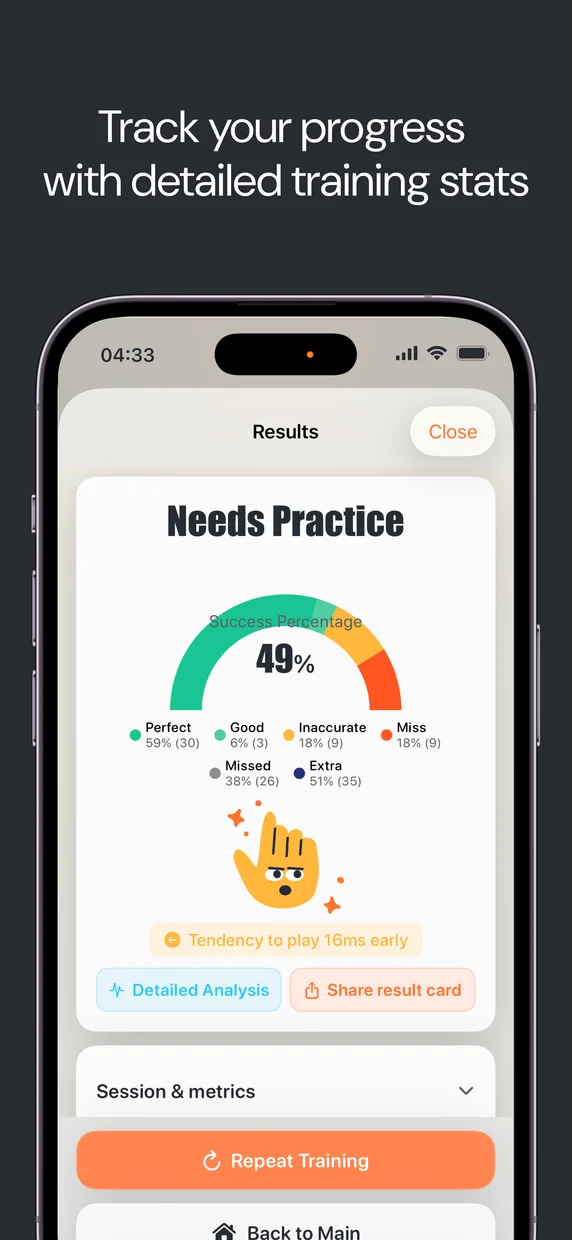
Every hit is scored with millisecond precision: early, late, or on time. After the run you see your success rate, average error, and whether you rush or drag.
Features
- A metronome that listens. Set the BPM, choose a subdivision, hit Record, and play — the app detects your hits and scores your timing in real time.
- Real-time feedback. See “Perfect”, “Good”, “Off”, or “Miss” on every hit as you play.
- Rhythm Challenge mode. Patterns change every bar — great for building timing under pressure.
- Detailed results. Success rate, average error in milliseconds, systematic bias (early/late), missed and extra hits, and a zone breakdown.
- Waveform review. Inspect your recording on a waveform and onset timeline to see exactly where each hit landed.
- Practice tools. Training history, statistics across all sessions, WAV audio and log export, and one-tap repeat of the same setup.
- Headphone calibration. Optional calibration compensates for speaker delay when you practice with headphones.
What’s new in version 1.2
Released on 30 September 2026, version 1.2 is mostly about hearing real instruments more accurately.
- Switch the instrument after the take. Change the instrument right on the results screen and the recording is re-analyzed for it.
- Fewer phantom notes. On bass, guitar and ukulele a ringing note is no longer mistaken for a new hit, and silence stays silence — no invented notes, including over a headset.
- Analysis that knows your instrument. The instrument you pick during onboarding now actually reaches the analysis.
- Honest on headphones. With headphones the app now shows how even your playing is instead of “rushing/dragging”, because exact latency can’t be measured there.
- Bigger on iPad. Results, patterns and settings open in larger windows.
- Exact export and playback. The click now lands exactly where you heard it.
Who it’s for
Rhythm Challenge is a timing trainer for anyone who plays with other people or a grid. Drummers use it to tighten their inner clock between kit sessions. Guitarists use it to stop rushing the chorus. Pianists drill sixteenths and triplets before exams. Producers use it to play parts that sit in the pocket instead of being quantized into it. And if your bandmates keep exchanging looks when the tempo drifts — this is the app that settles the argument with numbers.
Honest measurement, not flattery
Most practice apps are designed to make you feel good. Rhythm Challenge is designed to make you get good, and those are different things. It doesn’t round in your favor or hand out streaks for showing up: it measures each hit against the beat and reports the difference in milliseconds. Sometimes the verdict stings — most people discover they’re consistently early or late by more than they expected. But that number is exactly what you need, because you can only fix a tendency you can see. Train against an honest ruler for a few weeks and the feedback loop does the rest.
Free to use, Premium if you want depth
Rhythm Challenge is free to download, with unlimited training sessions in every mode and no sign-up. All subdivisions — including triplets — are free. On the free plan, tap and microphone sessions run up to 30 seconds and no-analysis sessions run up to 5 minutes, and you get 3 in-depth breakdowns. An optional Premium subscription unlocks full 5-minute tap and mic sessions plus unlimited detailed analysis. That’s it — no locked metronome, no locked rhythms.
Not ready to install anything? Start with the free online metronome right in your browser, or find any song’s tempo with the tap BPM counter. And when your tuning deserves the same honesty as your timing, grab our free Tuner: Guitar, Violin & Bass app.
Frequently asked questions
Is there a free metronome app that shows how accurate I am?
Yes — Rhythm Challenge is a free metronome app for iPhone and iPad that does exactly that. A plain metronome only plays the click; Rhythm Challenge also listens (by tap or microphone) and tells you, to the millisecond, whether each note was early, late, or dead on.
How does Rhythm Challenge measure my timing?
The app plays a precise metronome click while you tap the screen or play your instrument into the microphone. Every detected hit is compared to the expected beat and scored in milliseconds — early, late, or on time. After each run you get your success rate, average error in ms, and your systematic bias: whether you tend to rush or drag.
Do I need headphones?
Headphones are recommended for microphone mode so the metronome click doesn’t bleed into the mic and get counted as extra hits. An optional calibration step compensates for speaker delay when you use headphones.
Is Rhythm Challenge free?
Yes. It’s free to download with unlimited training sessions in every mode and no sign-up. Tap and microphone sessions run up to 30 seconds on the free plan, and no-analysis sessions run up to 5 minutes. All subdivisions, including triplets, are free. An optional Premium subscription unlocks full 5-minute tap and mic sessions plus unlimited detailed analysis — the free plan includes 3 in-depth breakdowns.
Is there an Android version?
Not yet — Rhythm Challenge is currently iOS-only. An Android version is planned. In the meantime you can use the free MusePulse web metronome in any browser.
How is this different from a normal metronome?
A normal metronome only produces the click and leaves the judging to your ear. Rhythm Challenge closes the loop: it listens to what you actually play and grades it, showing exactly how many milliseconds early or late every hit landed and how your accuracy changes over a session.