Online Rhythm Trainer
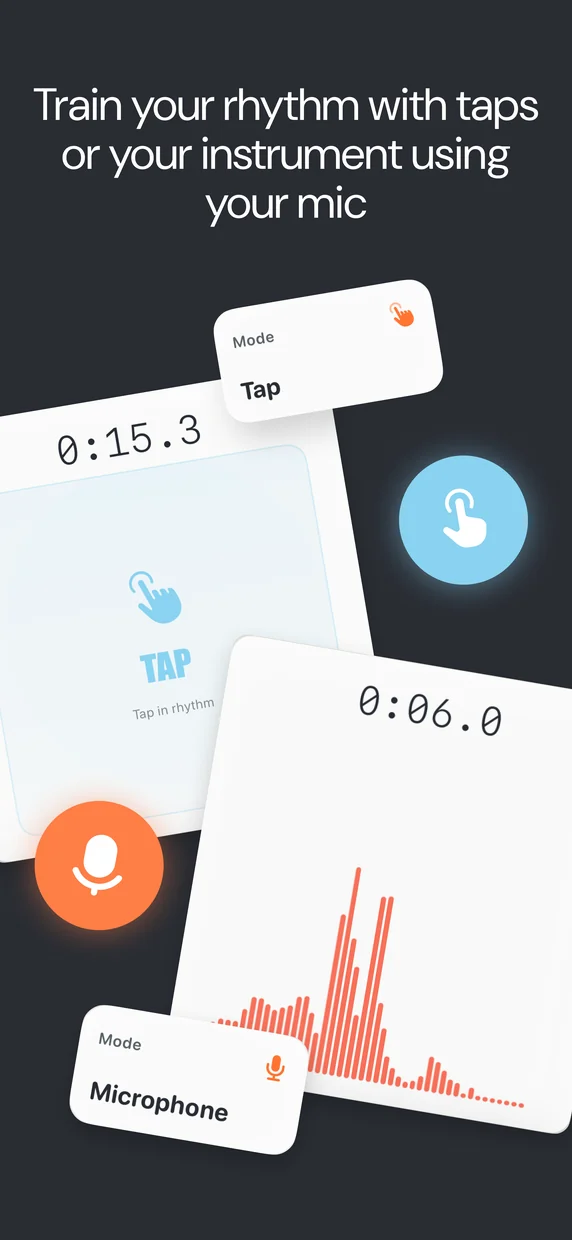
Pick the rhythms you want to drill, press play, and read a 4/4 bar where one beat changes every measure — the sight-reading engine from our Rhythm Challenge app, right in your browser. Want your timing graded? Rhythm Challenge listens as you tap or play and shows whether each note was early, late or dead on.
90 BPM
Choose your rhythm patterns
Only the patterns you select can appear in the bar. Start with a preset, then fine-tune.
This is Rhythm Challenge — now with a verdict
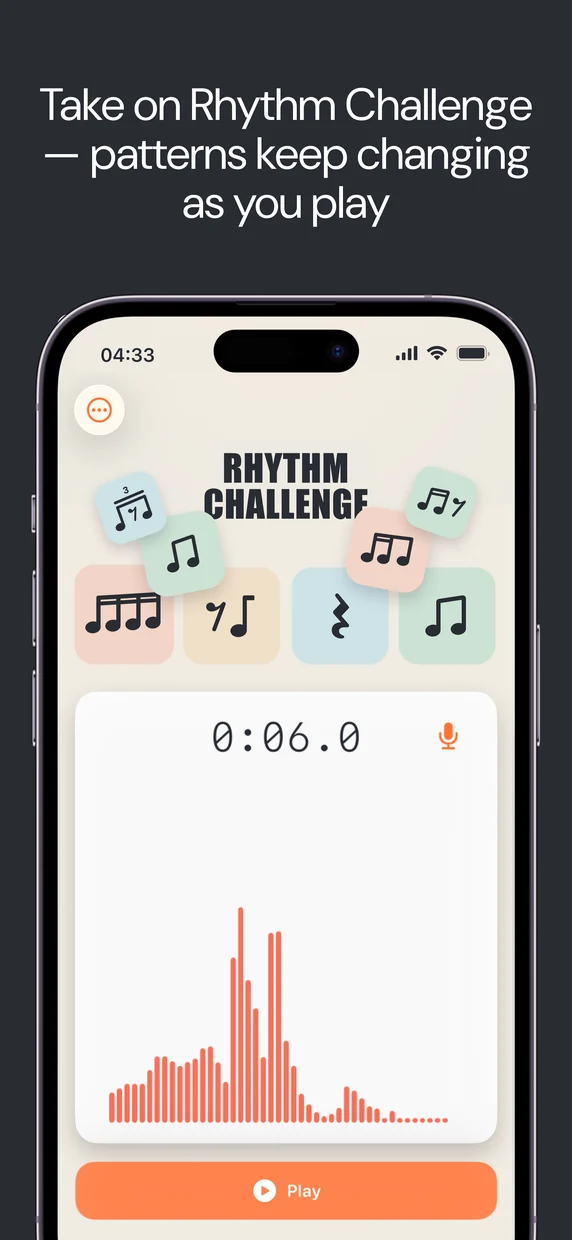
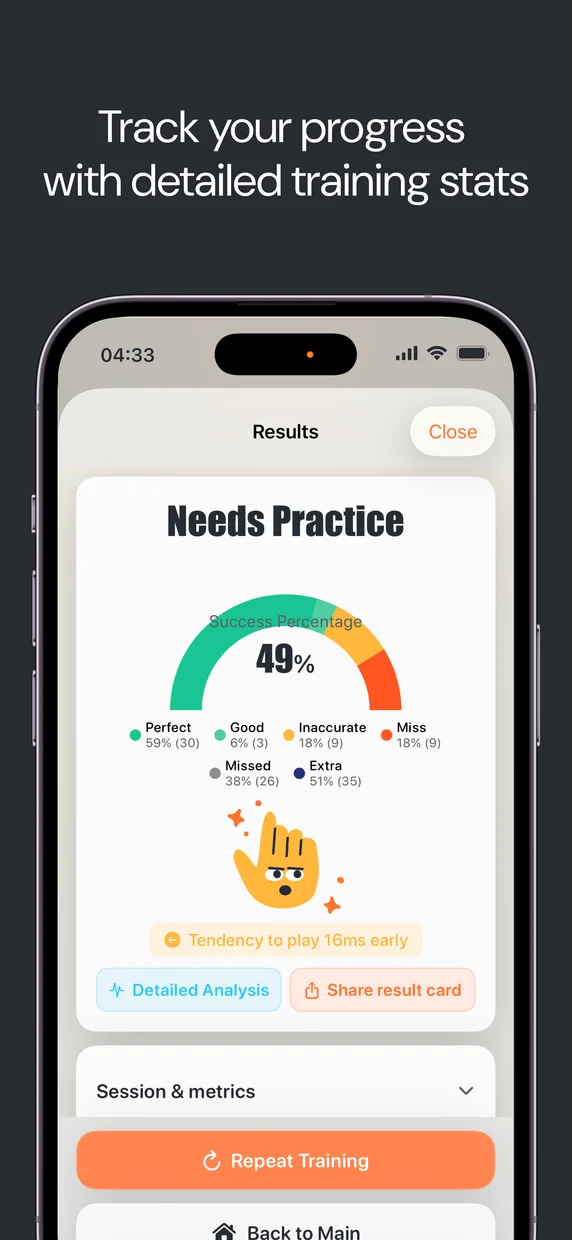
This web trainer is the reading half. The Rhythm Challenge app runs the exact same drill — the same changing patterns, tempo and pool — then listens through your microphone or your taps and grades every hit in milliseconds: early, late, or dead on.
What is a rhythm trainer?
A rhythm trainer is a tool for practicing rhythm reading: it shows you notated rhythms and plays a steady beat so you can clap, tap, or play along. This one focuses on the hardest part of real playing — reacting to rhythms you haven’t memorized. Every bar, one of the four beats is swapped for a new pattern, so you are always reading something fresh while three familiar beats keep you oriented.
It’s the same idea as the Rhythm Challenge mode in our iOS app, minus the microphone. Use it with the online metronome mindset — start slow, lock in, then raise the tempo. When you can read a pool cleanly at speed, add harder patterns.
Teaching a younger child? Start them on Fruit Rhythms instead — every beat is a fruit whose syllables are the rhythm (wa-ter-mel-on is four sixteenths), so they can clap patterns back long before they can read a note.
How to practice with it
- Start narrow. Load the Beginner preset (quarters and eighths) and set a slow tempo around 60–70 BPM.
- Read, don’t guess. Keep your eyes on the beat that’s about to play, not the one playing now.
- Turn on “Play the rhythm” to hear each bar first, then turn it off and clap the rhythm yourself against the metronome.
- Add difficulty gradually. Bring in sixteenths and triplets only once the easier pool feels automatic.
From reading to timing
Reading a rhythm and playing it in the pocket are different skills. This trainer builds the first. When you’re ready to measure the second — how many milliseconds early or late you actually land — the free Rhythm Challenge app listens to you play and grades every hit. You can also find any song’s tempo with the tap BPM counter and drill it here.
Frequently asked questions
How does the rhythm trainer work?
Pick the rhythmic patterns you want to practice, choose a tempo, and press Start. The trainer plays a metronome and shows a four-beat bar of notation. Each new bar, exactly one beat is replaced with a different pattern from your pool, so you keep sight-reading fresh rhythms instead of memorizing one loop.
Why does only one beat change each bar?
That mirrors the Rhythm Challenge iOS app. Changing a single beat per measure keeps the exercise readable — you always have three familiar beats to anchor to — while still forcing you to react to something new every bar. Randomizing all four at once turns reading into guessing.
Can I choose which rhythms appear?
Yes. Select any combination of quarter notes, eighths, triplets, sixteenths, rests, and mixed sixteenth and triplet figures. Only the patterns you select can appear in the bar. Preset buttons load beginner, intermediate, and advanced pools.
Does it grade my playing?
No — this web trainer is for reading and playing along, with no microphone and no scoring. If you want millisecond-precision feedback on how tight your timing is, the Rhythm Challenge app for iOS listens to you play and grades every hit.
Is the rhythm trainer free?
Yes, completely free with no signup and no ads. It runs entirely in your browser using the Web Audio API.
Want a verdict, not just a read?
Rhythm Challenge for iOS listens to you play and scores every hit in milliseconds.